

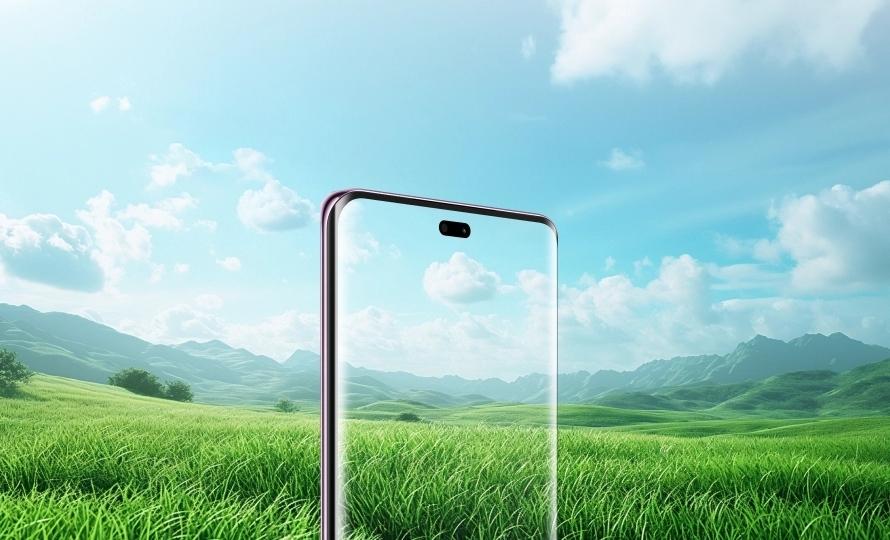
Adaptive brightness technology plays a crucial role in enhancing our interaction with digital devices. This innovative feature automatically adjusts the screen brightness based on the surrounding light conditions, leading to significant improvements in user experience. By dynamically responding to changes in ambient light, adaptive brightness ensures that screens are neither too bright nor too dim. As more people rely on digital devices for work, communication, and entertainment, the need for features that promote eye health becomes increasingly important. Understanding and optimizing adaptive brightness settings can therefore enhance both comfort and wellness for users across various situations and environments.
Understanding Adaptive Brightness
Adaptive brightness is a technology integrated into many modern devices, including smartphones, tablets, and computers. For example, the HONOR X9c Smartphone utilizes adaptive brightness to improve user comfort, adjusting its screen based on the surrounding light. It uses sensors to gauge the intensity of light in the environment and adjust the screen brightness accordingly. This process ensures a balanced visual experience, preventing the screen from becoming too harsh in dark settings or too dim in bright conditions. The primary aim of adaptive brightness is to ease the strain on the user’s eyes. Making real-time adjustments allows users to focus on the content without needing to manually change the brightness settings. This seamless interaction is ideal for improving productivity, particularly in environments where lighting conditions can change unexpectedly.
Benefits of Adaptive Brightness
Reducing Eye Strain and Fatigue
One of the most significant benefits of adaptive brightness is its ability to reduce eye strain. Prolonged exposure to screens with improper brightness settings can lead to discomfort and fatigue. When screens are too bright, especially in dimly lit environments, they can cause glare, leading to tired eyes and headaches. Conversely, screens that are too dim in well-lit surroundings force the eyes to work harder to discern details, which can also cause fatigue. Adaptive brightness mitigates these issues by automatically modifying the screen brightness to match the level of ambient light. This adaptation reduces the contrast between the screen and the surrounding area, making it easier for the eyes to focus on the content without unnecessary strain. By decreasing the need for manual brightness adjustments, users can maintain prolonged use of their devices without experiencing discomfort.
Enhancing Visual Comfort
Adaptive brightness significantly enhances visual comfort by providing an optimal viewing experience. During the day, as sunlight enters the workspace or living area, adaptive brightness increases the screen’s luminance to combat glare and retain clarity. At night or in low-light conditions, it dims the screen to prevent the disruption of the viewer’s adaptation to the dark. This dynamic adjustment helps maintain a comfortable visual experience, regardless of environmental light changes. The reduction in eye strain leads to longer and more relaxed screen use, allowing users to focus on tasks or enjoy entertainment without interruptions. With enhanced visual comfort, users can sustain productivity and enjoyment over extended periods, making adaptive brightness an essential feature for modern digital interactions.
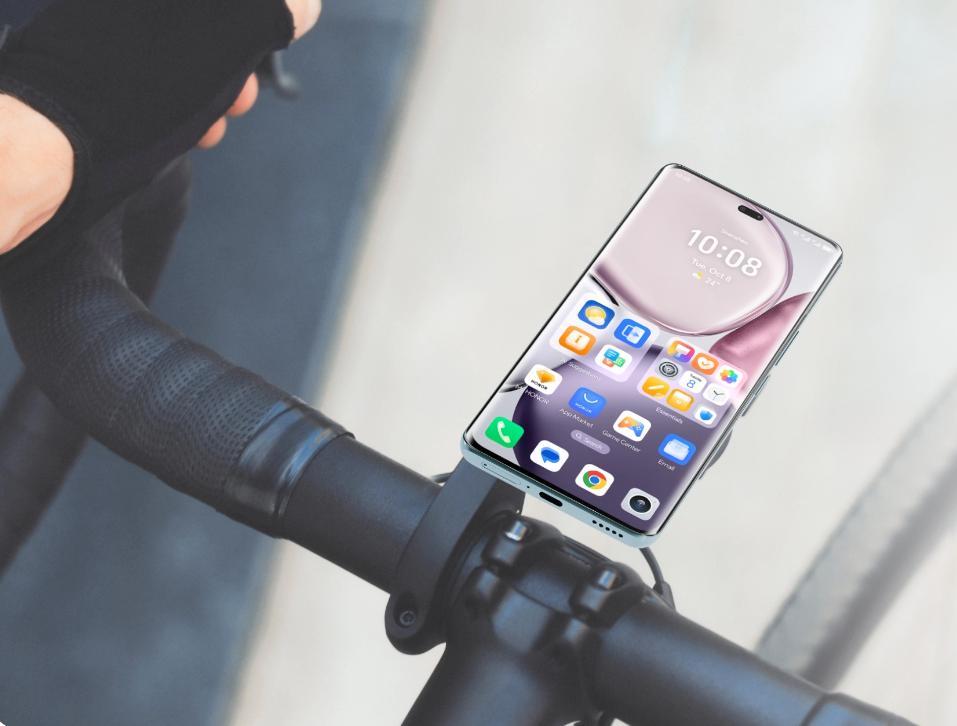
Improving Sleep Quality
Adaptive brightness can also play a role in improving sleep quality. Exposure to bright screens before bedtime can interfere with the body’s natural production of melatonin, a hormone that regulates sleep cycles. By automatically dimming the screen in low-light conditions, adaptive brightness can minimize this disruptive effect. This reduction in blue light exposure helps prepare the body for rest, encouraging a more natural sleep cycle. Research suggests that consistent adjustment of screen brightness based on ambient light conditions can promote healthier sleep patterns, ultimately benefiting users’ overall well-being. Incorporating adaptive brightness into nightly routines can be an effective strategy for improving sleep quality and fostering healthier digital device habits.
Optimizing Adaptive Brightness Settings
Calibrating Device Settings
To maximize the benefits of adaptive brightness, proper calibration of device settings is essential. Start by ensuring that the automatic brightness adjustment feature is enabled in the device’s settings menu. This option can usually be found under display settings. Once enabled, the device will use its sensors to detect ambient light changes and adjust accordingly. Fine-tuning these settings, such as adjusting the sensitivity or setting thresholds for maximum and minimum brightness, can further improve the feature’s effectiveness. Regularly updating device software to the latest version can also enhance adaptive brightness performance, as manufacturers often release improvements and bug fixes. Proper calibration tailors the technology to meet the user’s specific needs, promoting an optimal viewing experience.
Manual Adjustments and Overrides
While adaptive brightness offers automatic adjustments, there may be situations where manual overrides are necessary. Users should familiarize themselves with how to manually adjust brightness through quick-access menus or shortcuts, often available through the device’s notification panel or control center. Knowing how to override automatic settings provides the flexibility to cater to specific circumstances where the default adjustments may not suffice. For instance, during presentations, viewing specific content, or reading in particularly challenging lighting conditions, manual adjustments ensure optimal visibility and comfort. By combining adaptive brightness with occasional manual interventions, users can enjoy the best of both worlds – automated ease and personalized control.
Conclusion
Adaptive brightness substantially enhances user comfort and reduces eye fatigue by intelligently managing screen luminance. Its automatic adjustments offer practical solutions for minimizing eye strain, enhancing visual comfort, and supporting better sleep quality. By understanding and optimizing adaptive brightness settings, users can customize their device experience, ensuring efficiency and well-being in various lighting environments. Embracing this technology means users can enjoy longer, more comfortable screen interactions, ultimately improving their productivity and quality of life. As reliance on digital devices continues to grow, adaptive brightness stands out as a key feature for maintaining eye health and overall comfort.
