

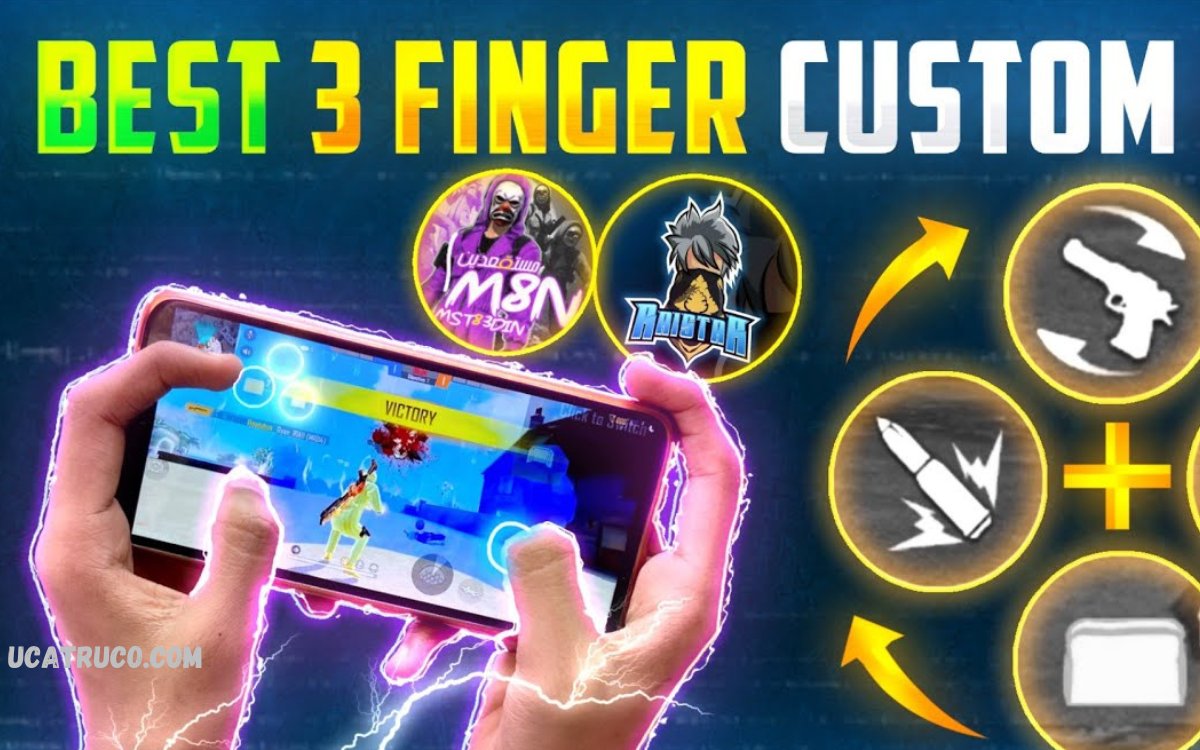
Free Fire, precision and speed can make the difference between victory and defeat. One of the most effective ways to enhance gameplay is through a customized HUD (Heads-Up Display) setup, especially for players using the 3-finger claw technique.
A well-designed custom HUD ensures that essential buttons, like fire, jump, crouch, and reload, are strategically positioned for quick and natural access. It reduces the time spent adjusting finger positions and improves reaction speed in intense battles. Beyond functionality, a personalized HUD can also enhance comfort, preventing strain during long gaming sessions while maintaining peak performance.
Understanding 3-Finger Claw Technique
The 3-finger claw method involves using the thumb, index, and middle finger to control different actions simultaneously. This setup allows shooting, aiming, moving, and crouching without losing speed. Players using default HUD often struggle with finger placement, reducing reaction time. Optimizing the HUD layout ensures all essential buttons are accessible without overreaching.
Importance of Custom HUD Setup
A well-designed HUD maximizes efficiency, speed, and comfort. Buttons such as fire, crouch, jump, reload, and scope need strategic placement. Proper spacing reduces accidental touches, improves accuracy, and allows faster decision-making during intense battles. Customized HUD enhances gameplay comfort and prevents finger strain during long sessions.
Step-by-Step Custom HUD Setup
- Fire Button Placement: Place the fire button near the top-right or top-left corner for quick access with your index finger.
- Movement Controls: Keep the joystick at the bottom-left for smooth navigation using the thumb.
- Jump and Crouch Buttons: Position jump and crouch buttons near the thumb’s reach but separated to avoid accidental clicks.
- Reload and Scope Buttons: Place reload and scope buttons slightly above or below the fire button to ensure instant reaction during combat.
- Bag and Skill Buttons: Keep inventory and skill buttons at the edges to prevent disruption during fights.
Read Also: Custom White HUD for Free Fire – Ultimate FF Interface Upgrade
Tips for Effective HUD Usage
- Adjust button sizes according to finger comfort.
- Test different layouts to find a setup that matches your hand size and reaction speed.
- Maintain consistency across matches to build muscle memory.
- Use transparency settings to reduce screen clutter and improve visibility.
Benefits of Optimized HUD for 3-Finger Claw
- Faster Reaction Time: Immediate access to essential buttons ensures quicker response.
- Higher Accuracy: Reduced finger movement improves shooting precision.
- Enhanced Mobility: Smooth coordination between moving, aiming, and firing.
- Comfortable Gameplay: Minimizes finger strain during long gaming sessions.
Frequently Asked Questions
Where should I position the movement joystick?
Keep the joystick at the bottom-left corner for smooth navigation using the thumb while keeping other fingers free for shooting and aiming.
Can I customize button sizes in Free Fire?
Yes, adjusting button sizes is crucial. Smaller buttons reduce accidental touches, while larger buttons improve comfort and control.
How do I avoid finger strain while using 3-finger claw?
Optimize button placement, maintain consistent layouts, take breaks, and avoid overlapping essential buttons to prevent strain during long sessions.
What buttons are essential for a 3-finger claw HUD?
Fire, jump, crouch, reload, scope, and movement controls are essential. Bag and skill buttons can be placed at the screen edges.
How can I improve accuracy using 3-finger claw?
Position the fire and scope buttons ergonomically, practice aiming, and maintain consistent HUD layout to build muscle memory.
Should the HUD layout differ for different devices?
Yes, adjust button positions based on screen size, hand size, and comfort. Larger screens may need more spacing between buttons.
How long does it take to master a custom HUD for 3-finger claw?
With daily practice, players can master an optimized HUD in 1–2 weeks, achieving faster reaction time and improved control.
Conclusion
An optimized Custom HUD Setup for 3-Finger Claw in Free Fire is crucial for competitive gameplay. Proper placement of fire, movement, jump, crouch, reload, and scope buttons allows maximum control, speed, and precision. Players who invest time in customizing their HUD gain a significant edge in intense battles. Experimenting with layouts and adjusting button sizes ensures a perfect balance between comfort and performance. Mastering this setup transforms gameplay, enabling players to dominate Free Fire with confidence and skill.
