

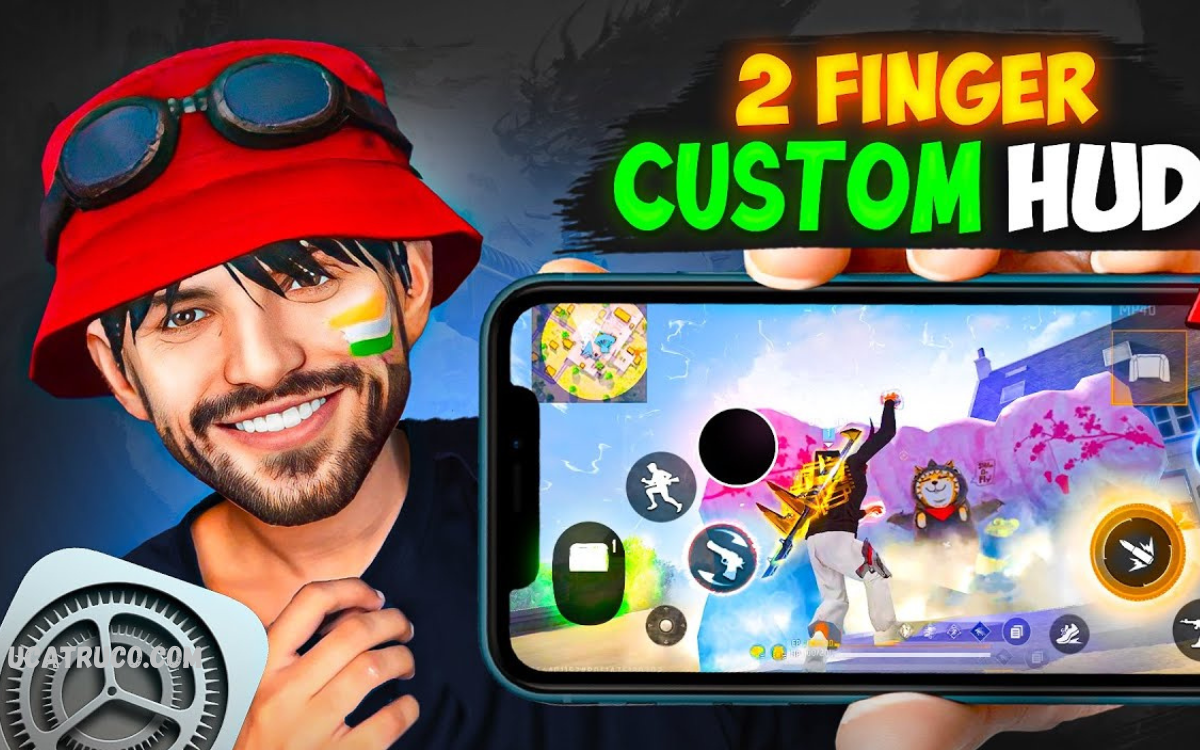
Free Fire, precision and speed can make all the difference between victory and defeat. One of the most effective ways to elevate your gameplay is by customizing your HUD (Heads-Up Display). Among the various layouts available, the 2-Finger Custom HUD has gained immense popularity among professional and casual players alike.
The best 2-Finger Custom HUD focuses on ergonomics and accessibility, strategically placing essential buttons like shoot, jump, crouch, and aim in positions that reduce finger strain and enhance comfort during long gaming sessions. Unlike standard layouts, this setup ensures that you can perform complex maneuvers without confusion or accidental misfires, giving you a competitive edge in intense battles.
Why Choose the Best 2-Finger Custom HUD for Free Fire?
Many players struggle with standard layouts because they require multiple fingers or intricate movements. Using a 2-Finger Custom HUD solves these issues by offering:
- Better Focus: Concentrate on aiming and strategy rather than complicated controls.
- High Mobility: Move, jump, and shoot simultaneously with ease.
- Improved Ranking: Efficient HUD layouts help players perform consistently in ranked matches.
- Faster Learning Curve: Beginners adapt quickly without struggling with control placement.
Best Practices for Setting Up 2-Finger Custom HUD
Optimizing HUD placement is crucial. The best layouts follow certain principles:
- Movement Button Placement: Lower-left corner ensures easy thumb access for running, crouching, and sliding.
- Shooting Button Placement: Right-side corner allows precise tapping during combat.
- Jump & Crouch Buttons: Place near shooting button for quick maneuvers.
- Grenade/Skill Buttons: Should not obstruct movement or shooting actions.
- Mini-map Positioning: Upper-left or upper-right corner ensures visibility without distractions.
Top 2-Finger Custom HUD Layouts
Several 2-Finger HUD layouts work perfectly for Free Fire players. Here are some widely recommended setups:
Layout 1: Classic 2-Finger HUD
- Movement: Bottom-left
- Shoot: Bottom-right
- Aim: Right-side above shooting
- Jump & Crouch: Around shooting button
- Mini-map: Upper-left
Layout 2: Aggressive Combat HUD
- Movement: Bottom-left
- Shoot: Center-right
- Aim: Above shoot
- Jump: Right of shooting
- Grenade: Near top-right
- Mini-map: Upper-left
Layout 3: Sniper-Focused HUD
- Movement: Bottom-left
- Shoot & Aim: Right-center
- Scope: Above shoot button
- Jump & Crouch: Around shooting button
- Mini-map: Upper-left
- Skill/Ability: Bottom-right
Each layout suits specific playstyles. Players must experiment and adjust based on comfort and reaction speed.
Read Also: Custom HUD Setup for 3-Finger Claw in Free Fire
Advantages of Using 2-Finger Custom HUD
- Rapid Combat Response: Two fingers perform all actions faster than multi-finger setups.
- Reduced Mistaps: Clear button positioning minimizes accidental inputs.
- Ergonomic Gameplay: Reduces hand strain and allows longer play sessions.
- Consistency: Repetition builds muscle memory, improving shooting accuracy and movement.
Tips to Maximize Performance
- Practice Regularly: Muscle memory is essential. Spend time mastering movement and shooting.
- Adjust Button Size: Customize button size for better reach and visibility.
- Test Different Layouts: Find the HUD layout matching your style.
- Keep Screen Clean: Avoid clutter that blocks vision.
- Sensitivity Settings: Combine 2-Finger HUD with proper sensitivity for maximum accuracy.
Common Mistakes to Avoid
- Placing buttons too close, causing misclicks.
- Using too many buttons in a small area.
- Ignoring sensitivity settings, affecting aiming precision.
- Sticking with default layout without trying alternatives.
Frequently Asked Questions
How do I set up a 2-Finger HUD in Free Fire?
Go to Settings → Controls → Custom HUD. Place movement, shoot, jump, crouch, and aim buttons in comfortable positions for your thumbs.
Can I adjust button size and transparency?
Yes. Free Fire allows resizing and adjusting transparency for each button to match your preference and improve visibility.
Is a 2-Finger HUD better than 4-Finger or 3-Finger HUD?
It depends on your playstyle. 2-Finger HUD is simpler and faster for most players, while 3 or 4-Finger HUD offers advanced multi-action capability.
How do I improve aiming with a 2-Finger HUD?
Combine a proper HUD layout with optimized sensitivity settings. Regular practice and muscle memory also enhance aiming accuracy.
Can I play ranked matches with a 2-Finger HUD?
Absolutely. Many professional Free Fire players use 2-Finger HUDs to secure high ranks due to faster controls and easier movement.
Are there recommended 2-Finger HUD layouts?
Yes. Popular layouts include Classic 2-Finger, Aggressive Combat, and Sniper-Focused HUD. Each suits different playstyles.
How long does it take to get used to a 2-Finger HUD?
Most players adapt within a few days to a week with regular practice, building muscle memory for smooth gameplay.
Conclusion
The Best 2-Finger Custom HUD for Free Fire is not just about layout but also personal comfort and adaptability. By selecting a suitable HUD, placing buttons strategically, and practicing consistently, players can dramatically enhance gameplay efficiency, reaction time, and match performance. Whether you are a casual gamer or competitive Free Fire enthusiast, investing time in optimizing your 2-Finger HUD ensures faster, smoother, and more accurate gameplay, giving you the edge over opponents.
