

Social media platforms like Facebook have become an integral part of daily life, connecting people across the globe. However, there are times when users may feel the need to take a break or permanently step away from the platform due to privacy concerns, digital detox, or simply to manage their online presence more effectively.
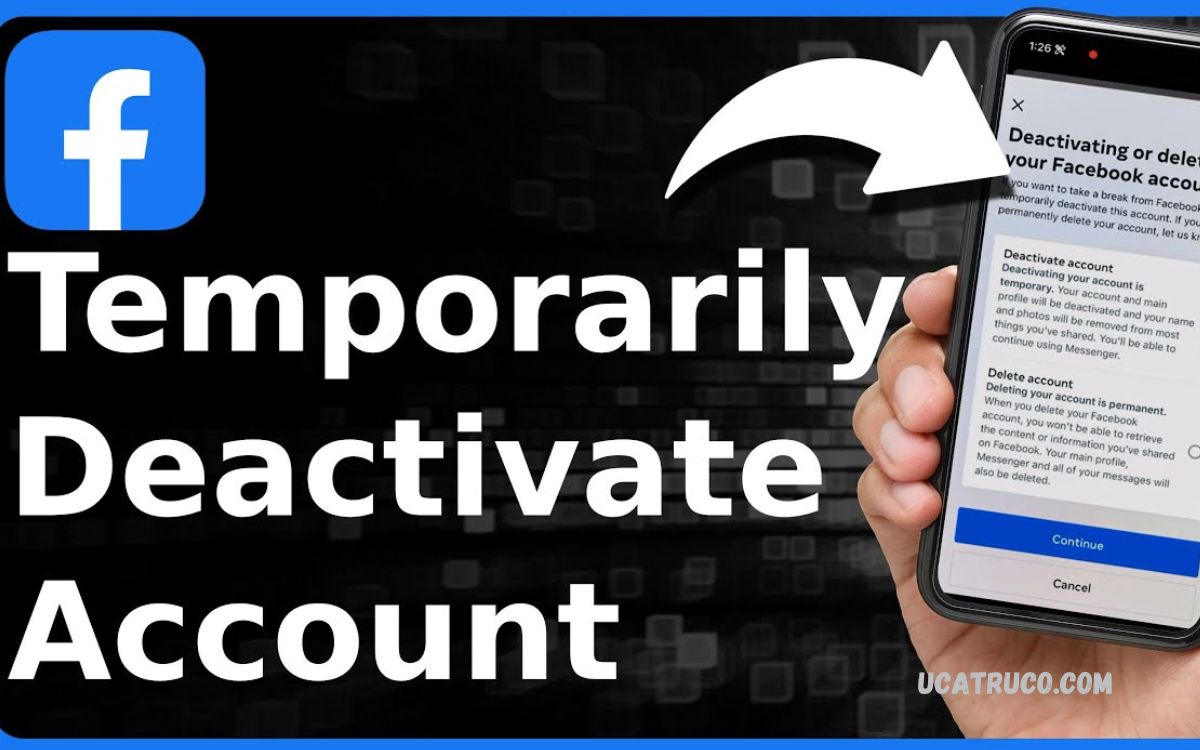
Deactivation differs from deletion, as it preserves your information, such as photos and posts, while making your profile invisible to others. This can be particularly useful for users who want to take a break without committing to a permanent exit.
Why You Might Want to Deactivate Facebook?
There are several reasons why someone might consider deactivating their Facebook account:
- Privacy Concerns – Protect personal information from being visible online.
- Mental Health – Reduce distractions and screen time to focus on offline activities.
- Digital Detox – Take a break from social media to improve productivity.
- Temporary Exit – Pause activity without permanently losing your account or content.
Understanding these benefits can help you make an informed decision before deactivating.
How Deactivation Differs from Deletion
It is important to know the difference between deactivating and deleting a Facebook account:
- Deactivation – Temporarily disables your profile. Your friends cannot see your profile, but all your data remains intact. You can reactivate anytime by logging in.
- Deletion – Permanently removes your account and all associated data. Once deleted, it cannot be recovered.
If you are unsure about leaving Facebook permanently, deactivation is the safer option.
Read Also: How to Delete FF Guest Account – Permanently Delete Your Free Fire Guest Account
Steps to Deactivate Your Facebook Account
Follow these steps to deactivate your Facebook account safely:
On Desktop
- Log in to your Facebook account.
- Click the downward arrow at the top-right corner of the page.
- Select Settings & Privacy, then click Settings.
- In the left-hand menu, click Your Facebook Information.
- Choose Deactivation and Deletion.
- Select Deactivate Account, then click Continue to Account Deactivation.
- Follow the on-screen instructions to confirm.
On Mobile App
- Open the Facebook app and tap the menu icon (three lines).
- Scroll down and select Settings & Privacy, then Settings.
- Tap Personal and Account Information.
- Choose Account Ownership and Control.
- Tap Deactivation and Deletion.
- Select Deactivate Account and follow prompts.
After completing these steps, your account will be temporarily disabled. You can reactivate at any time by logging back in with your credentials.
What Happens After Deactivation?
When you deactivate your Facebook account:
- Your profile becomes invisible to other users.
- Friends cannot search for your profile.
- Messenger remains active, so you can still chat unless you deactivate Messenger separately.
- Your data is saved, allowing easy reactivation.
Tips Before Deactivating
- Backup Your Data – Download photos, posts, and other content you may want to keep.
- Inform Friends – Let close contacts know you are taking a break if necessary.
- Consider Messenger Settings – Decide if you want to deactivate Messenger too.
Reactivating Your Account
Reactivating is simple: log in using your previous email and password. Facebook restores your profile, friends, posts, and other content automatically.
Conclusion
Learning how to deactivate your Facebook account is valuable for managing privacy, digital well-being, and online activity. Deactivation offers a safe, reversible way to step away from social media without permanently losing your account. Whether you want a temporary break or need time to evaluate your online habits, following the steps above ensures a smooth and secure process.
Taking control of your digital presence is important, and Facebook’s deactivation option provides flexibility, safety, and peace of mind.
