
Close Menu

    Subscribe to Updates

    Get the latest creative news from FooBar about art, design and business.

    What's Hot

    IV7 Game and In7 Game: What to Know Before Exploring Mobile Gaming

    August 24, 2026

    DAYAK777: Complete Access to a Diverse Online Gaming World

    August 24, 2026

    Custom Brooch Pins: Personalized Accessories for Elegant and Memorable Gifts

    August 24, 2026
    Facebook X (Twitter) Instagram
    UcatrucoUcatruco
    • Tech
    • Social Media
    • Apps
    • Free Fire
    WhatsApp Telegram
    UcatrucoUcatruco
    Home»Social Media»How to Deactivate Your Facebook Account – Step-by-Step Guide
    Social Media

    How to Deactivate Your Facebook Account – Step-by-Step Guide

    SmithBy SmithOctober 9, 2025No Comments3 Mins Read
    Facebook Twitter Pinterest LinkedIn Tumblr Email
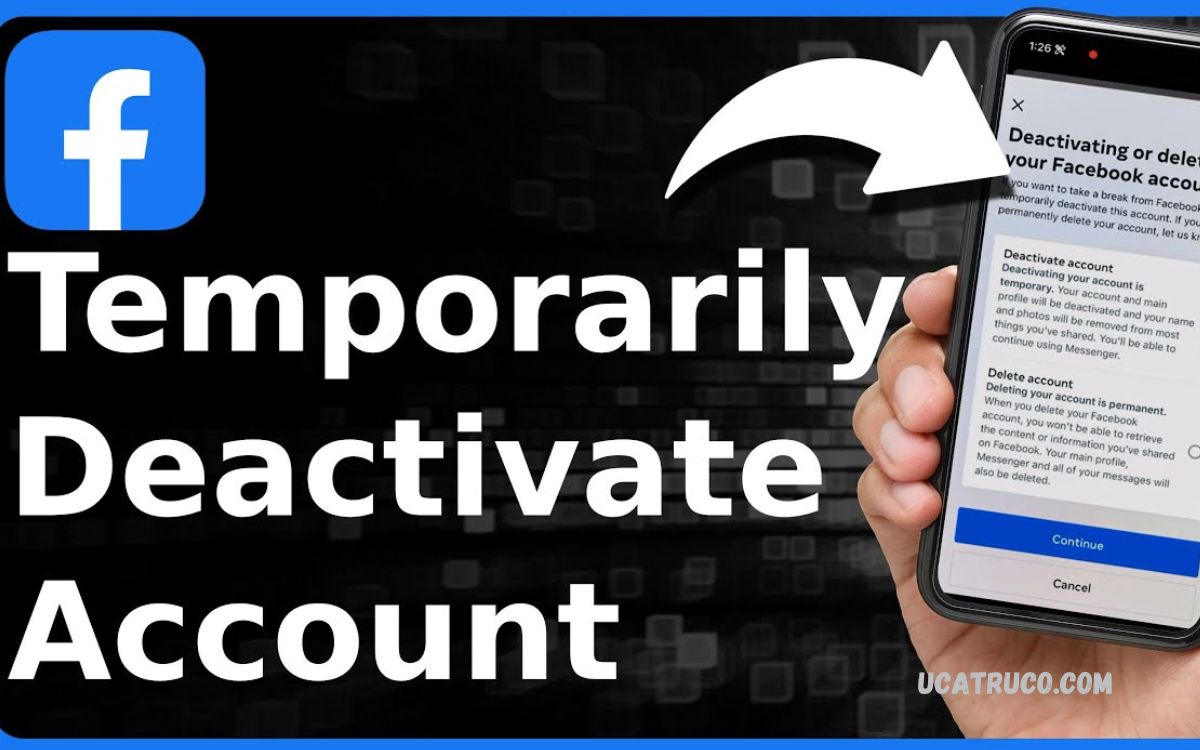
    How to Deactivate Your Facebook Account
    Share
    Facebook Twitter LinkedIn Pinterest Email

    Social media platforms like Facebook have become an integral part of daily life, connecting people across the globe. However, there are times when users may feel the need to take a break or permanently step away from the platform due to privacy concerns, digital detox, or simply to manage their online presence more effectively.

    Deactivation differs from deletion, as it preserves your information, such as photos and posts, while making your profile invisible to others. This can be particularly useful for users who want to take a break without committing to a permanent exit.

    Why You Might Want to Deactivate Facebook?

    There are several reasons why someone might consider deactivating their Facebook account:

    • Privacy Concerns – Protect personal information from being visible online.
    • Mental Health – Reduce distractions and screen time to focus on offline activities.
    • Digital Detox – Take a break from social media to improve productivity.
    • Temporary Exit – Pause activity without permanently losing your account or content.

    Understanding these benefits can help you make an informed decision before deactivating.

    How Deactivation Differs from Deletion

    It is important to know the difference between deactivating and deleting a Facebook account:

    • Deactivation – Temporarily disables your profile. Your friends cannot see your profile, but all your data remains intact. You can reactivate anytime by logging in.
    • Deletion – Permanently removes your account and all associated data. Once deleted, it cannot be recovered.

    If you are unsure about leaving Facebook permanently, deactivation is the safer option.

    Read Also: How to Delete FF Guest Account – Permanently Delete Your Free Fire Guest Account

    Steps to Deactivate Your Facebook Account

    Follow these steps to deactivate your Facebook account safely:

    On Desktop

    • Log in to your Facebook account.
    • Click the downward arrow at the top-right corner of the page.
    • Select Settings & Privacy, then click Settings.
    • In the left-hand menu, click Your Facebook Information.
    • Choose Deactivation and Deletion.
    • Select Deactivate Account, then click Continue to Account Deactivation.
    • Follow the on-screen instructions to confirm.

    On Mobile App

    • Open the Facebook app and tap the menu icon (three lines).
    • Scroll down and select Settings & Privacy, then Settings.
    • Tap Personal and Account Information.
    • Choose Account Ownership and Control.
    • Tap Deactivation and Deletion.
    • Select Deactivate Account and follow prompts.

    After completing these steps, your account will be temporarily disabled. You can reactivate at any time by logging back in with your credentials.

    What Happens After Deactivation?

    When you deactivate your Facebook account:

    • Your profile becomes invisible to other users.
    • Friends cannot search for your profile.
    • Messenger remains active, so you can still chat unless you deactivate Messenger separately.
    • Your data is saved, allowing easy reactivation.

    Tips Before Deactivating

    • Backup Your Data – Download photos, posts, and other content you may want to keep.
    • Inform Friends – Let close contacts know you are taking a break if necessary.
    • Consider Messenger Settings – Decide if you want to deactivate Messenger too.

    Reactivating Your Account

    Reactivating is simple: log in using your previous email and password. Facebook restores your profile, friends, posts, and other content automatically.

    Conclusion

    Learning how to deactivate your Facebook account is valuable for managing privacy, digital well-being, and online activity. Deactivation offers a safe, reversible way to step away from social media without permanently losing your account. Whether you want a temporary break or need time to evaluate your online habits, following the steps above ensures a smooth and secure process.

    Taking control of your digital presence is important, and Facebook’s deactivation option provides flexibility, safety, and peace of mind.

    Share. Facebook Twitter Pinterest LinkedIn Tumblr Email
    Smith
    • Website

    Depika is the founder and lead editor of UcaTruco, where she shares practical tech tips, app tutorials, and social media insights. With a deep passion for simplifying digital trends, Depika makes technology accessible for everyday users. Whether it's a hidden app trick or the latest social feature, she’s always on top of it - breaking it down so anyone can understand. In her free time, she loves testing new gadgets and sipping on masala chai while curating content that matters.

    Related Posts

    Kisi Ki Facebook ID Kaise Band Kare – Complete Professional Guide

    December 14, 2025

    Facebook Account Ko Temporary Ya Permanently Disable Karne Ka Tarik

    December 14, 2025

    ID Ko Kaise Safely Delete Karein

    December 14, 2025
    Leave A Reply Cancel Reply

    Stay In Touch
    • Facebook
    • Twitter
    • Pinterest
    • Instagram
    • YouTube
    • Vimeo
    Don't Miss

    Live Toto: Mengenal Permainan Angka Online di Era Digital 

    By Alfa TeamAugust 23, 20260

    Live Toto merupakan istilah yang banyak digunakan dalam konteks permainan angka yang menghadirkan informasi hasil…

    Cầu Thủ Gerard Pique – Từ Tài Năng Đến Huyền Thoại Vô Địch

    August 22, 2026

    Navigating Digital Gaming Markets: Strategic Approaches to Frequency-Based Lotteries

    August 22, 2026

    Yo88 – Không Gian Game Online Với Cách Trình Bày Gọn Gàng

    August 19, 2026

    Subscribe to Updates

    Get the latest creative news from SmartMag about art & design.

    UcaTruco is a real online platform dedicated to providing the latest insights and tips on Technology, Social Media, Apps, and the popular mobile game Free Fire.

    It serves as a go-to resource for users looking to stay updated on technology trends, discover innovative app features, master social media strategies, and gain competitive advantages in Free Fire gameplay. #UcaTruco

    | ty le keo | Taladball แทงบอลโลก ยูฟ่าเบท | แทงบอลโลก | แทงมวย | ufars | Socolive | Treasures of Aztec | Open88 | ufabet | ufabet เข้าสู่ระบบ | สล็อต | สล็อตเว็บตรง | สล็อต | LUCKY88 | UK88 | ONE88 | FIVE88 | ufabet | ufabet เข้าสู่ระบบ | mm99 | mm99 | 8day | xocdia88 | xocdia88 | สล็อตเว็บตรง | สล็อตเว็บตรง | เว็บสล็อต | เว็บแทงออนไลน์ | แทงบอล | แทงบอลออนไลน์

    WhatsApp Telegram
    Latest Posts

    Casinos con licencia ️ Mejor casino online legal en España

    March 26, 2026

    2026 ️

    March 18, 2026

    Top 10 Sitios Web de Casinos Online en Chile

    March 18, 2026
    Contact Us

    If you have any questions or need further information, feel free to reach out to us at:

    Email: [email protected]

    Phone: +92-325-301-0405

    Helpful Links

    Here are some helpful links for our users. Hopefully, you liked it.

    สล็อตเว็บตรง | แทงบอลออนไลน์ | เว็บตรง | พนันบอล | บาคาร่า | ซื้อหวยออนไลน์ | vmax | UFABET | เว็บหวยออนไลน์ | หวยออนไลน์ | pg slot | V9BET | สล็อต | kèo nhà cái 5 | sunwin | https://kubet.com.mx/ | Lottovip | บาคาร่า | บาคาร่า | บาคาร่า | UFABET168 | UFABET | แทงบอลโลก | สมัครสมาชิก UFABET | บาคาร่า | สมัครบาคาร่า | สล็อตเว็บตรง | JBO | UFA656 | บาคาร่า | https://kubet.de.com | UFA365 | Taladballเว็บแทงบอลUFABET | Taladballเว็บแทงบอลUFABET | UFA365 | ยูฟ่า | 9BET | LUCKY88 | สล็อต | สล็อต | ทางเข้าufabet | สล็อตเว็บตรง | สล็อตเว็บตรง | nổ hũ || เว็บแทงบอล || แทงบอล | แทงบอล | https://lucky88com.me/ | https://five88za.com/ | https://five88az.net/ | FIVE88 | LUCKY88 | FIVE88 COM | DA88 | lucky168 | https://georgeboateng.com/ | Luxury111

    Facebook X (Twitter) Instagram Pinterest
    • Home
    • About Us
    • Contact Us
    • Privacy Policy
    • Disclaimer
    • Terms and Conditions
    • Write For Us
    • Sitemap
    Copyright © 2026 All Rights Reserved UcaTruco

    Type above and press Enter to search. Press Esc to cancel.

    WhatsApp us