

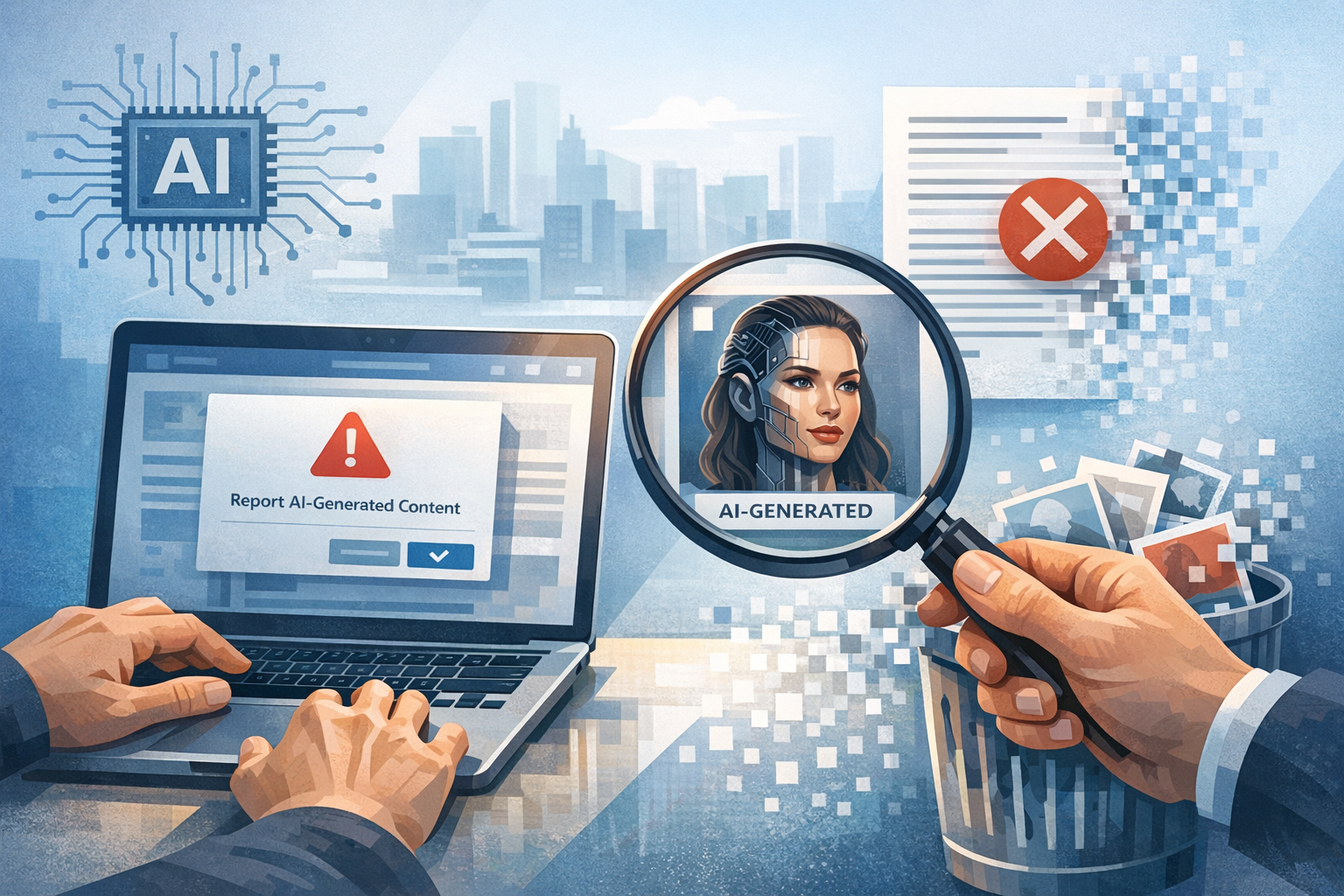
Generation is only the first draft
AI-assisted visuals can shorten the distance between an idea and a publishable asset, but speed creates a new responsibility: verification. A clip that looks convincing at first glance may contain a distorted label, an unstable face or a movement that changes the meaning of the source material. Content teams therefore need a review process that is simple enough to use every day.
The most effective checklist separates four questions: Is the content factually correct? Is it visually continuous? Is its origin and permission clear? Is it appropriate for the intended audience and channel? Treating these as separate checks prevents visual excitement from hiding a basic accuracy problem.
1. Validate the source asset
Before animation or editing, confirm where the image or footage came from, who owns it and whether the people shown approved the intended use. Record the original file rather than relying on a compressed copy from a messaging app. Inspect faces, hands, product labels and background text at full size.
When using a photo animation platform, choose a source image with a clear subject and stable geometry. A prompt should describe subject motion, camera motion and environmental motion separately. This makes the output easier to evaluate because reviewers can compare each change with the brief.
2. Inspect high-risk frames
Do not review only at normal playback speed. Pause on the opening frame, the final frame and the moments with the fastest movement. Look for changing logos, duplicated objects, disappearing jewellery, altered fingers, shifting eye colour and inconsistent reflections. For a product demonstration, verify dimensions, controls and safety markings.
Use a simple severity scale. A minor background shimmer may be acceptable for a fast social clip. A changed dosage label, incorrect price or altered facial identity is not. Define these thresholds before production so that approval does not depend on who happens to be reviewing.
3. Review identity edits separately
Face and character edits require additional scrutiny because they can change who appears to speak or act. A character and face-swap workflow should be used only with authorised source and target material. Stable lighting, a visible face and limited occlusion generally make continuity easier to assess, but technical quality does not replace consent.
Compare the edited clip with the original at matching timestamps. Check hairlines, jaw movement, skin tone, eye direction and transitions when the subject turns. Reject any version that creates a false endorsement or could reasonably mislead viewers about who participated.
4. Check text, audio and context
Captions, voice-over and on-screen graphics can introduce errors even when the image is correct. Verify names, dates, units, claims and pronunciation. Watch the clip once without sound to test whether the visual story remains understandable, then listen without watching to catch audio inconsistencies.
Finally, consider where the asset will appear. A playful effect suitable for an entertainment account may be inappropriate in health, finance, education or news contexts. Add disclosure when synthetic changes are material to the viewer’s interpretation.
5. Keep a lightweight audit trail
Store the source asset, prompt or editing notes, output version, reviewer and approval date. This does not require a complex compliance platform; a shared folder and a structured naming convention may be enough. The record helps teams reproduce successful work, answer rights questions and remove an asset quickly if circumstances change.
AI visual tools are most valuable when they expand creative capacity without weakening standards. A five-minute verification habit can prevent hours of correction and protect audience trust. The goal is not perfect pixels in every frame, but accurate, authorised and context-appropriate communication.
